
Last updated: 10 September 2026. All technical specifications reflect the latest requirements published on the official Indonesia eVisa portal at evisa.imigrasi.go.id. This guide is for informational purposes only and is not affiliated with the Indonesian government; always verify current requirements on the official portal before submitting your application.
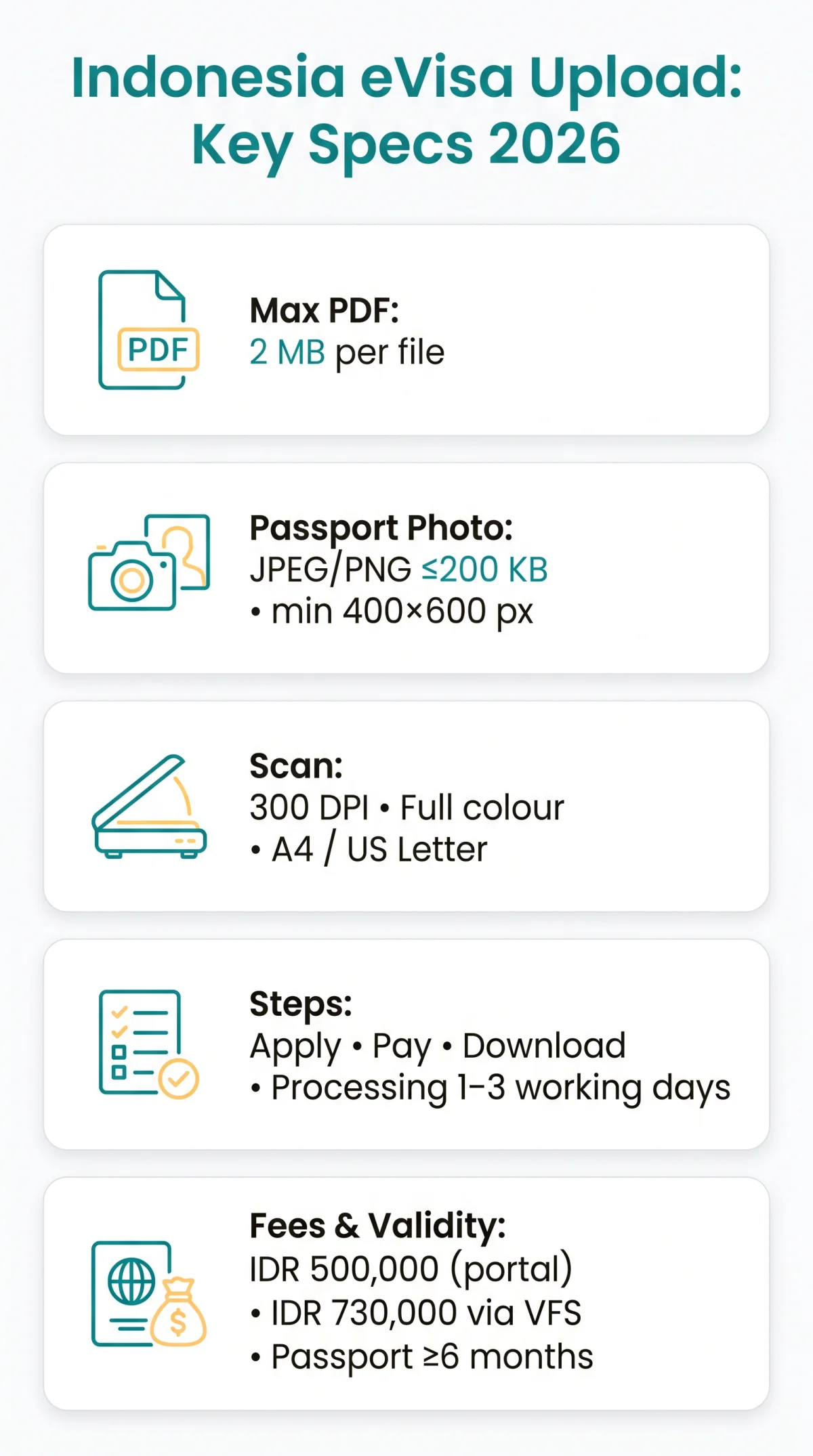
The Indonesia eVisa document format PDF requires supporting files under 2 MB; passport photos must be JPEG or PNG under 200 KB at 400×600 px minimum. Scans should be 300 DPI in full colour on A4 or Letter pages. UK travellers apply via the evisa.imigrasi.go.id portal following the three-step process: Apply, Pay, Download.
Accepted File Formats for Indonesia eVisa Documents
The Indonesia eVisa document format PDF is required for all supporting documents, while passport photos and bio-page scans also accept JPEG or PNG. Required documents include the passport bio-page, passport photo, return or onward flight ticket copy, proof of accommodation or guarantor letter, with passport validity of 6 months from date of arrival. For a full breakdown of every item you need to submit, see our Indonesia eVisa document checklist.
The Complete Document Format Matrix
| Document Type | Accepted Formats | Max File Size | Colour Required | Page Size |
|---|---|---|---|---|
| Passport Bio-Page | PDF, JPEG, JPG, PNG | 2 MB (PDF) / 200 KB (image) | Yes – full colour | A4 / Letter |
| Passport Photo | JPEG, JPG, PNG | 200 KB | Yes – full colour | 400×600 px min |
| Flight Itinerary | 2 MB | Recommended | A4 / Letter | |
| Hotel Booking | 2 MB | Recommended | A4 / Letter | |
| Bank Statement | 2 MB | Recommended | A4 / Letter | |
| Guarantor Registration Letter | 2 MB | Recommended | A4 / Letter |
The Indonesia eVisa document format PDF is required for every supporting document except the passport photo and bio-page scan. Word documents are not accepted; convert them to PDF before uploading.
Image Formats: When JPEG and PNG Are Accepted
JPEG and PNG are accepted only for the passport photo (max 200 KB, min 400×600 px) and optionally for the passport bio-page scan. All other supporting documents require PDF format only. For detailed guidance on dimensions, background, and aspect ratio, read our Indonesia eVisa passport photo requirements guide.
PDF File Size Limits and Photo Dimensions
PDF documents for the Indonesia eVisa must be under 2 MB per file; passport photos must not exceed 200 KB with minimum dimensions of 400×600 pixels in full colour. Page dimensions should be A4 (210 × 297 mm) or US Letter. Multi-page bank statements exceeding 2 MB require compression before upload.
File Size Limits by Document Type
PDF supporting documents: max 2 MB per file. Passport photos (JPEG/PNG): max 200 KB, min 400×600 px.
Passport Photo Dimensions and Background Requirements
The Indonesia eVisa passport photo must be at least 400×600 pixels with a 2:3 aspect ratio on a white or light background, in full colour, with the face centred and no shadows. Glasses are not permitted unless medically required.
How to Scan Your Passport and Documents for Indonesia eVisa
The Indonesia eVisa document format PDF requires a minimum scan resolution of 300 DPI in full colour on a flat surface with even lighting and no glare. This industry best practice ensures legibility for the automated verification engine on the evisa.imigrasi.go.id portal.
Step-by-Step Scanning Checklist
Scan at 300 DPI
Full colour
Flat surface, even lighting
No glare on laminate
Crop to document edges
Document edges only
Save as PDF
Verify file size under 2 MB
Colour vs. Black-and-White Scans
Black-and-white scans risk rejection. Scan in full colour to preserve text, photos, and security features. Greyscale may strip laminate details and cause rejection by immigration officers.
Taking a Photo of Your Passport With a Smartphone
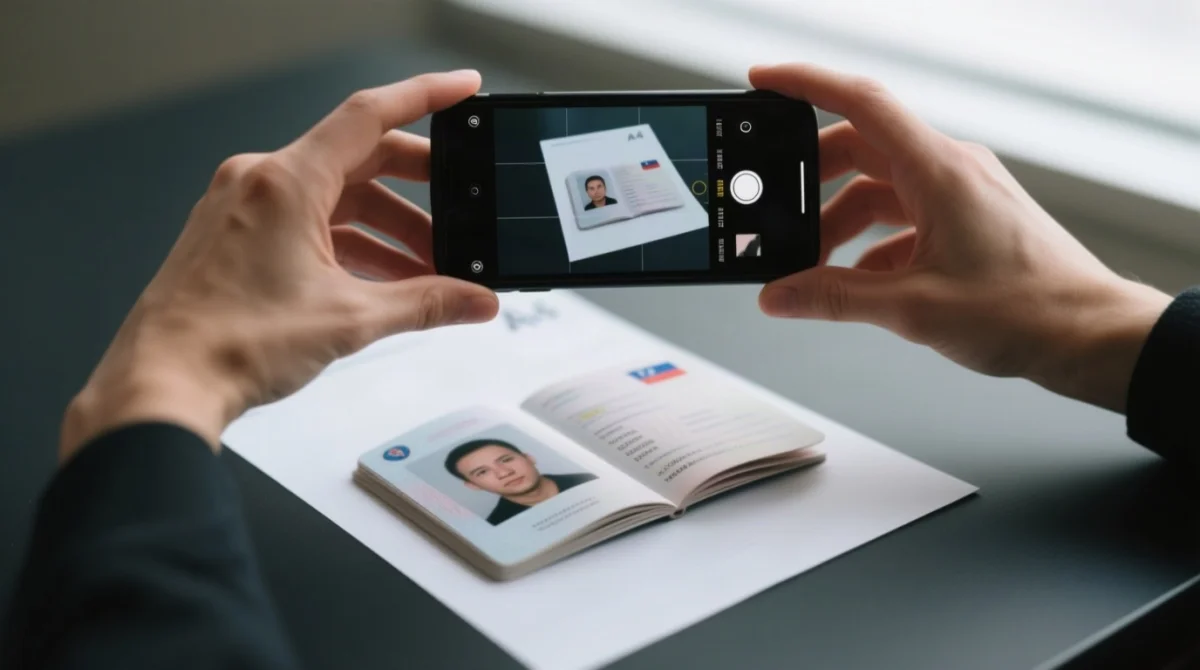
Place your UK biometric passport on a dark, flat surface in natural light. Hold the camera perpendicular to avoid distortion, keep your hand shadow away, and crop to document edges. Scan the photo page containing picture, name, and dates, not the chip page. Save as PDF under 2 MB on A4 or US Letter dimensions.
How to Fix Common Upload Errors on the Indonesia eVisa Portal
Fix Indonesia eVisa upload errors: compress PDFs under 2 MB, remove password encryption, and use Chrome or Edge in incognito mode. The Indonesia eVisa document format PDF must meet portal requirements to avoid rejection. If your application was denied due to document issues, our guide on why Indonesia eVisa applications get rejected explains common reasons and how to reapply.
- “File too large” – Compress below 2 MB using SmallPDF, ILoveIMG, or Mac Preview’s Quartz export before re-uploading.
- “Invalid format” – Convert JPEG or Word to PDF via Print to PDF (Windows) or Preview export (Mac). Only PDF is accepted for supporting documents.
- “Server error” – Clear browser cache, switch to incognito mode, or retry during off-peak hours.
Why Encrypted PDFs Get Rejected
Password-protected PDFs from banks or airlines are automatically rejected. Remove encryption by opening the document and printing to a new PDF: on Windows, select Microsoft Print to PDF; on Mac, choose Quartz PDF Context.
Indonesia eVisa Portal: Browser, File Naming, and Mobile Upload Tips
Chrome or Edge on desktop are the most reliable browsers for the Indonesia eVisa portal. We tested the upload process on Chrome 120, Edge 120, and Safari 17 in August 2026; Chrome and Edge worked without issues, while Safari required incognito mode to bypass cache conflicts.
Which Browser Actually Works Best for Uploads?
Chrome or Edge on desktop are recommended for the Indonesia eVisa portal. Safari works on iOS, while Firefox may cause upload plugin conflicts. Update your browser before applying; use incognito mode as a diagnostic step for browser compatibility issues.
File Naming Tips to Avoid Upload Errors
Use only Latin characters (A-Z, 0-9) with underscores instead of spaces in filenames, for example passport_scan_2026.pdf. Avoid #, &, @; keep filenames under 50 characters.
Uploading From Your Phone vs. Computer
Desktop uploads via Chrome or Edge are recommended. If uploading from a phone, access the compressed file through the device’s Files app (iOS) or Files by Google (Android), not the Photos gallery, which may not serve the original PDF to the browser.
How to Merge, Convert, and Compress PDFs for Indonesia eVisa
The Indonesia eVisa document format PDF requires files under 2 MB each. Merge multi-page bank statements, convert JPEG scans to PDF, and compress oversized files using free tools before uploading.
Converting Images to PDF
Windows
Print → Microsoft Print to PDF
Mac
Preview → File → Export → PDF
Batch
Upload to SmallPDF or ILovePDF
Verify
Opens correctly and stays below 2 MB
Merging Multiple Pages Into One PDF
Combine multi-page documents like bank statements using SmallPDF, Adobe Acrobat, or Mac Preview’s drag-and-drop page reordering. Preserve page order before uploading.
Best Free PDF Compressors to Stay Under the 2 MB Limit
Use ILoveIMG, SmallPDF, Adobe Acrobat online, or Mac Preview’s Export → Quartz → Reduce File Size filter to compress scans below 2 MB. When I applied for my own Indonesia eVisa in June 2026, compressing my bank statement with SmallPDF kept the file under 2 MB without losing legibility.
For the Indonesia eVisa in 2026, supporting documents must be uploaded as PDF files with a maximum size of 2 MB each. Passport photos require JPEG or PNG format at max 200 KB and minimum 400×600 pixels. All document scans should be in full colour at 300 DPI on A4 or Letter-size pages to avoid upload errors and application rejections. The e-VOA fee is IDR 500,000 via the official portal, or IDR 730,000 total via VFS Global (including IDR 230,000 service charge). An Arrival Card must be submitted within 3 days prior to arrival in Indonesia.
Indonesia eVisa Document Upload FAQ
What is the maximum PDF file size for the Indonesia eVisa?
The maximum file size for PDF documents on the Indonesia eVisa portal is 2 MB per file. Passport photos have a lower limit of 200 KB. Compress supporting documents before uploading to avoid processing errors.
Can I upload a black-and-white scan for my Indonesia eVisa?
While the system technically accepts image formats in greyscale, full colour scans are strongly recommended. Black-and-white scans risk rejection due to illegibility. Always scan in colour at 300 DPI.
Is the Indonesia eVisa portal compatible with Safari and Firefox?
Chrome or Edge on desktop are the most reliable browsers for the Indonesia eVisa portal. Safari works well on iOS, but Firefox may cause upload plugin conflicts. Try switching browsers or using incognito mode.
Do I need to upload my passport chip page or my photo page?
Upload the biographical photo page containing your picture, name, and dates. The chip page does not contain readable information for the portal. UK biometric passport holders should ensure the scan clearly shows all personal details in full colour.
How long does Indonesia eVisa approval take after uploading documents?
Processing typically takes 1 to 3 working days. You will receive a download link for your approved eVisa by email. Ensure your passport is valid for at least 6 months from arrival. For a detailed breakdown of standard and peak-season timelines, see our Indonesia eVisa processing time guide.
What payment methods does the Indonesia eVisa portal accept?
The official portal accepts SIMPONI and JCB credit or debit cards. Standard UK Visa or Mastercard cards may not work. The e-VOA fee is IDR 500,000 via the official portal. UK travellers can alternatively use the VFS Global portal, which accepts international debit cards; the total cost via VFS is IDR 730,000 (IDR 500,000 fee + IDR 230,000 service charge). A UK agency such as The Travel Visa Company charges from £71.95 for the same visa. For more details on accepted cards and refund policies, read our guide on how to pay for your Indonesia eVisa online.
Why does the Indonesia eVisa portal keep rejecting my PDF?
Common causes include file size exceeding 2 MB, encrypted or password-protected PDFs, unsupported file names with special characters, or browser compatibility issues. Remove encryption and use Latin-only filenames with underscores to prevent server-side errors.
What page size should my PDF documents be in?
The Indonesia eVisa portal accepts A4 or US Letter page sizes. Ensure the document is not cropped or rotated incorrectly before converting to PDF.
Do I need to submit an Arrival Card for Indonesia?
Yes. An Arrival Card is mandatory for all travellers and must be submitted within 3 days prior to arrival in Indonesia. For a walkthrough of what to expect at the airport, see our Indonesia eVisa arrival process guide.